
Community events in the UK run on goodwill, volunteer hours, and a fair amount of scrambled last-minute communication. A WhatsApp thread with 47 members arguing about where to park the float. A PDF route map that nobody can open on their phone. A printed newsletter that arrived three days after the event. I’ve spoken to enough committee organisers to know this is the norm, not the exception. Event microsites for charities are changing that, not by replacing the handcrafted, community-feel elements people love, but by giving supporters a single digital address where the live details actually live.
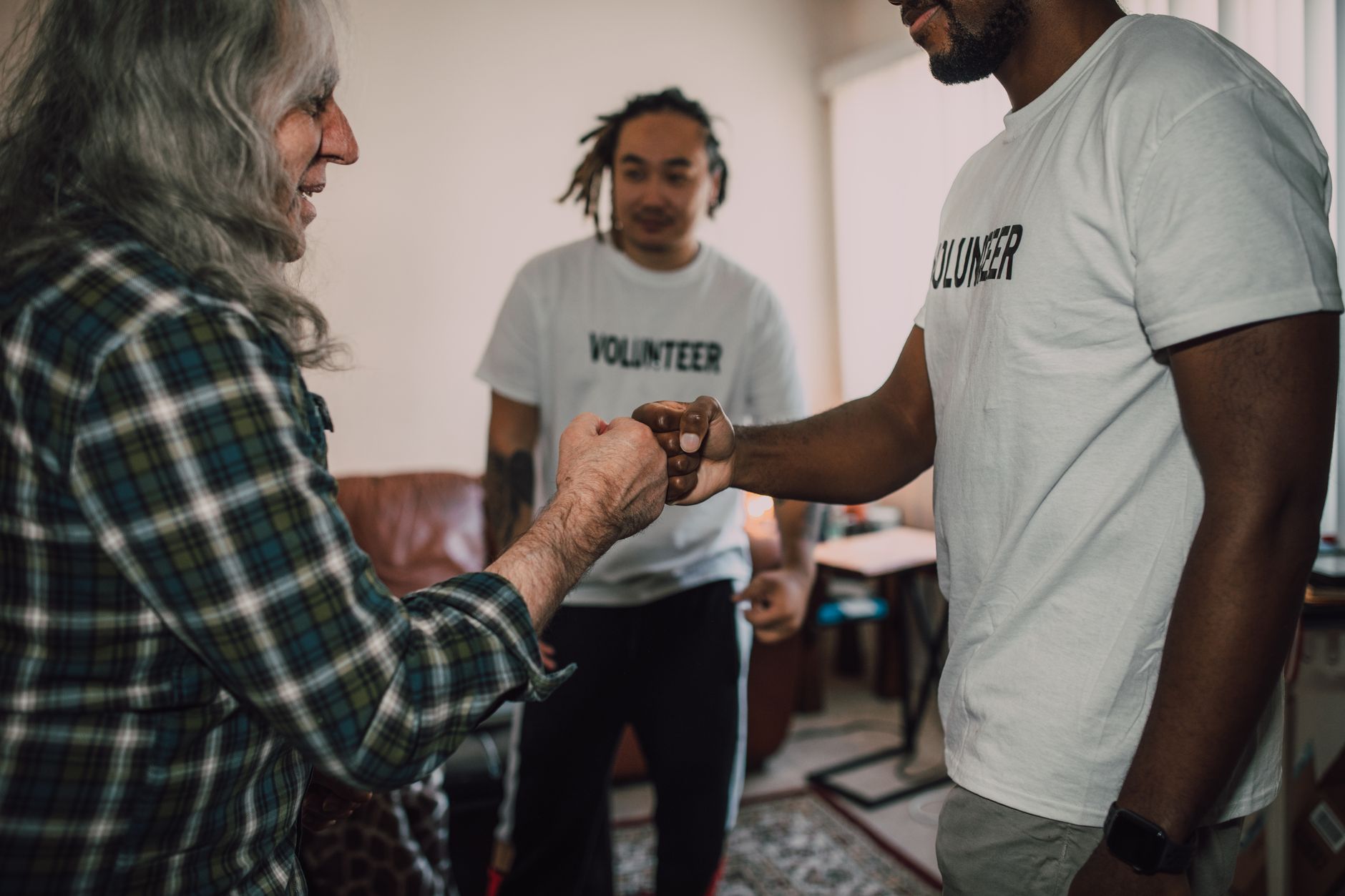
This guide is for the committee secretary who manages everything from a laptop on the kitchen table, the volunteer coordinator at a local hospice charity, and the PTA chair who also happens to be running the Christmas sleigh run. You don’t need a developer. You don’t need a budget that would embarrass a FTSE 100 marketing team. You need the right approach and a clear sense of what a microsite should actually do.
What is an event microsite and why does it matter for non-profits?
A microsite is a small, standalone website built around a single event or campaign. Think of it as a dedicated landing page with a few sections rather than a full website with a navigation menu, an about page, a history of the organisation going back to 1987, and a members-only area nobody uses. The microsite strips all of that out. One URL, shared on printed flyers, local Facebook groups, and the parish newsletter, points supporters directly to what they need: the date, the route, the schedule, how to donate, and any updates since the flyer went to print.
For non-profits and community groups, this matters because printed materials, which most still rely on, go stale the moment they leave the printer. A microsite lets you publish the route map change at 9pm on a Friday without reprinting anything. The government’s own guidance on running a community event recommends keeping participants informed through multiple channels, and a lightweight microsite is one of the most practical ways to do that without needing a comms team.
What should a charity event microsite actually contain?
Keep it ruthlessly focused. I’d argue that most charity microsites fail because someone adds too much, the entire history of the organisation, three different donation platforms, an embedded social feed that takes six seconds to load on a 4G connection in a village hall car park. The sections that genuinely serve supporters are simpler than that.
A countdown timer is more useful than it looks. When supporters can see that the sponsored walk is 11 days away, registration urgency becomes real. Tools like Carrd, Notion Sites, or even a basic Google Sites page can embed a countdown without any code. For groups with slightly more technical confidence, Webflow’s free tier or a WordPress.com plan gives you enough flexibility to add route maps from Google Maps, embedded directly into the page so visitors can check it on their phones the night before.

Real-time updates deserve their own section on the page, clearly labelled. A simple reverse-chronological list, “Update 14 November: start time moved to 10:30am due to road closure on the High Street”, does more practical good than a polished news section updated monthly. Supporters want to know what’s changed. Give them that, plainly.
Volunteer sign-up should connect to something that actually captures data. Embedding a Google Form or a Typeform (both free at basic tier) means you stop collecting names on scraps of paper. The form submissions go directly into a spreadsheet you can filter by role, shift, or location. For groups managing a sleigh run with helpers across multiple postcodes, this is genuinely transformative.
Pairing digital tools with printed and handcrafted materials
The microsite doesn’t replace the printed programme or the decorated collection tin. It works alongside them. The most effective community events I’ve seen treat digital and physical as two parts of the same communication plan. A QR code on the printed leaflet links directly to the microsite. The microsite references the printed map. Each medium does what it does best.
For groups managing the creative side of community events, designing sleigh routes, festive artwork for collection materials, or advent-themed displays, the visual and the digital are genuinely complementary. If you’re working through the artwork side, there’s a longer read on how to design colourful advent calendar artwork for your community sleigh run: a uk crafter’s guide that pairs well with the practical digital setup covered here. Getting both right means your event looks professional without needing a professional agency behind it.
One practical tip: use a custom short URL for the microsite rather than whatever long string your website builder generates. A free Bitly link or a short branded domain (registrable for under £10 through Namecheap or 123-reg) means the URL fits on a flyer, can be read aloud at a meeting, and is memorable enough that a supporter can type it a week later from memory. This small detail makes a real difference to how many people actually visit the page.
Tools UK community groups are actually using in 2026
Carrd remains the most popular option I’ve come across among smaller non-profits and community committees. It’s genuinely free for a single-page site, loads quickly on mobile, and requires no technical knowledge. For multi-page needs, Google Sites is free and integrates naturally with the G Suite tools most organisations already use, Google Forms for volunteer registration, Google Maps for route embeds, Google Calendar for the event schedule.
Notion has found an unexpected second life here too. Several local groups now publish their event information as a public Notion page. It isn’t the slickest solution aesthetically, but it’s editable by anyone with committee access, updates instantly, and handles embedded maps and forms adequately. For a PTA or a local Rotary club running a single annual event, it’s entirely sufficient.
If your group has a small budget, even £50 to £100 a year, a WordPress.com Business plan or a Squarespace personal plan opens up proper countdown widgets, better mobile formatting, and custom domain support. At that price point, it’s worth it if the event recurs annually. You update the same microsite each year rather than rebuilding from scratch.
Keeping distributed supporters informed without overwhelming them
The mistake most organising committees make is publishing updates in too many places simultaneously. The WhatsApp group gets a message. The Facebook event gets a post. The email list gets a newsletter. The microsite gets updated three days later when someone remembers. Supporters who follow multiple channels get conflicting information, and the organiser spends twice as long managing communications as they should.
A cleaner approach: treat the microsite as the single source of truth, and use WhatsApp, email, and social only to direct people there. “We’ve updated the route, check the website for details” is one message. It takes 30 seconds to send, and it drives traffic to the one place where the information is always current. If you’re already thinking about how tools like this connect to broader communication strategy, our piece on what UK employers need to know about remote work communication policies touches on similar principles around information flow and channel discipline, worth a read if your organisation is growing its volunteer base.
For larger community organisations managing multiple events across a year, it’s worth thinking about how the microsite approach scales. At some point, a lightweight content management system makes more sense than rebuilding individual pages each time. That’s also the point at which a group might want to look at how data collected through volunteer forms is stored and managed, the ICO’s guidance on data protection for charities is straightforward and freely available, and worth bookmarking before you start collecting names and contact details at scale.
Getting the microsite live before the event materials go to print
Timing is the element most committees underestimate. The microsite needs to exist before the flyers are printed, because that’s when the URL gets added to the design. Build the page first, even if it only has the event name, date, and a “more details coming soon” note, then add the URL to the print file. Everything else can be filled in later. Trying to retrofit a digital presence after the printed materials are already circulating is a headache that’s entirely avoidable.
I’d also recommend setting a Google Alert for your event name. If the local press picks up the story or a supporter shares the microsite URL somewhere unexpected, you’ll know about it and can make sure the page is ready to receive that traffic. It costs nothing and takes two minutes to set up.
The best community events feel effortlessly organised even when the reality is anything but. A clean, functional microsite, updated when something changes, easy to find, fast to load on a phone, does a lot of the heavy lifting. It won’t write your risk assessment or persuade the council to close the road for an hour, but it will stop your volunteers showing up at the wrong end of the High Street at 7am on a wet Saturday in November. That, frankly, is worth the effort.