

The most common mistake small retailers make is treating physical theft and cyber fraud as two separate problems. They are not. The same till, the same Wi-Fi and the same tired seasonal temp can be the weak point for both, and the busiest weeks of the year are when thieves and fraudsters expect you to be stretched. This Christmas trading security checklist puts both sides on one page.
The timing is apt. The Cheshire Constabulary reported on 25 November 2026 that Cheshire Police were out in force to support the national Safer Business Week. Whether or not your local force is running visible patrols, the lesson for any UK shop, café or online seller is the same: get your basics right before the rush, not during it.
1. Check your CCTV actually works
A camera that is not recording is worse than none, because you assume you are covered. Before December, review a clip from each camera, confirm the date and time stamp is correct, and check how many days of footage the system keeps. Point cameras at the entrance, the till and any blind corners behind displays. If cameras capture people, you are processing personal data, so display clear signage and follow the guidance on the Information Commissioner’s Office website.
2. Lock down the till area
Keep cash floats low and bank takings more than once on busy days. Never leave a till drawer open and unattended, even for a moment. Keep the back office door locked and store spare card terminals out of sight. Say you run a gift shop with two staff on a Saturday: one person should never be the only one who can see both the shop floor and the till.
3. Secure card payments and terminals
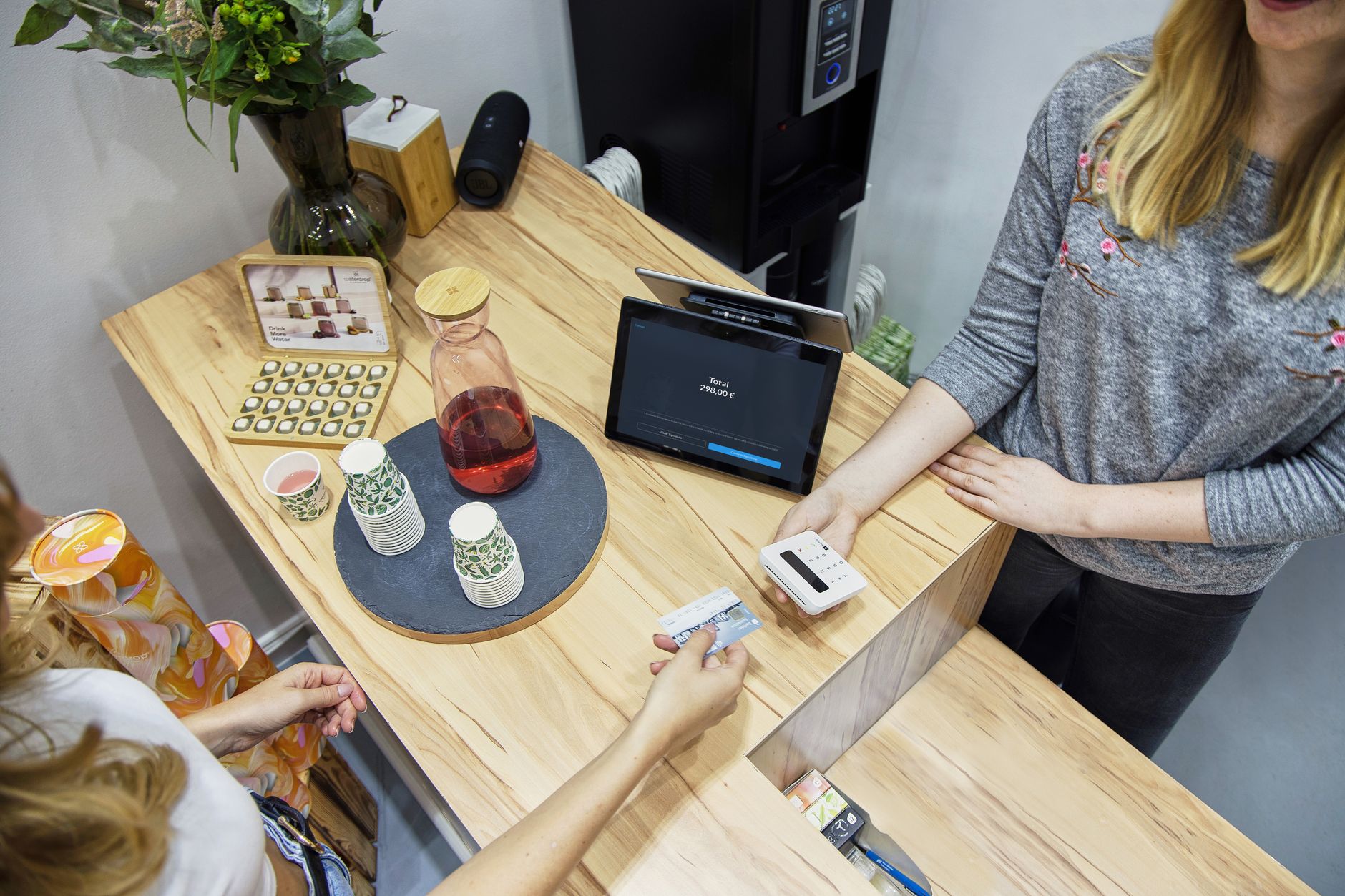
Check every card terminal against the serial numbers you recorded when it was installed, and look for anything attached to the reader or cables. Do not let a caller who claims to be from your payment provider talk you into reading out codes or installing software. If in doubt, put the phone down and ring the number on your own contract. Keep terminal software updated and make sure refunds need a manager’s authorisation.
4. Tighten the digital basics
Shops with an online store or cloud till system should turn on multi-factor authentication for email, the e-commerce platform and the payment dashboard. Use separate logins for each staff member rather than a shared password written on a sticky note. Keep your guest Wi-Fi separate from the network your tills use. If you are unsure where you stand, our guide on auditing your digital security posture without a specialist firm is a sensible starting point.
5. Train seasonal staff in an hour, not a week
Temporary staff are often handed a till and a lanyard on day one. A short briefing beats nothing. Cover three things: how to spot distraction thefts and returns fraud, how to handle a suspicious payment or a request to override a price, and who to call when something feels wrong. Give them a one-page sheet with the manager’s mobile number and the procedure for a robbery or confrontation: stay safe, do not chase, call 999.
6. Watch for fake invoices and supplier changes
December is peak season for payment diversion scams. A supplier email saying their bank details have changed should always be verified by phoning a number you already hold. The same discipline applies to urgent requests from a supposed director. We covered the pattern in more detail in invoice and mandate fraud lessons for UK SMEs.
7. Look the part for customers and suppliers
Trust is a security feature. A clear, professional presentation helps customers and suppliers tell you apart from impostors, and a card with your real contact details gives a courier or new contact something to verify. If you are restocking cards before seasonal networking and trade events, a printer such as dijitul print can turn them around so that the number on your card matches the number you tell people to call back on.
8. Back up and plan for an outage
If your till system or website goes down on the last Saturday before Christmas, what do you do? Keep a paper fallback for taking orders, a card reader that can work offline or via mobile data, and a recent backup of stock and customer data. Check what your policy covers too: our piece on business interruption insurance and tech outages explains where the small print bites.

How do you report retail crime and fraud in the UK?
Report fraud and cybercrime to Action Fraud, the national reporting centre for England, Wales and Northern Ireland, and report theft, violence or threats to the police. Use 999 if a crime is in progress or someone is in danger, and 101 for non-urgent reports. In Scotland, report fraud to Police Scotland.
Keep a simple incident log with the date, time, what happened, who was present and any CCTV reference. Reports without evidence are harder to act on, and a consistent record helps if you need to claim on insurance or support a prosecution. Tell your bank or payment provider quickly if card data or payments are involved.
A pre-Christmas routine worth repeating
Pick one afternoon this week. Test the cameras, change shared passwords, brief the temps, verify the terminals and print the incident sheet. It takes a few hours, costs very little and is far cheaper than a lost weekend of trading.
Put a recurring reminder in the diary for the first week of each month so the checks continue into January sales. Start with the CCTV test today, since it is the quickest check and the one most likely to reveal a surprise.
Frequently Asked Questions
Do I need to display CCTV signs in my shop?
Yes. If your cameras capture identifiable people you are processing personal data under UK data protection law. Signs should say who operates the system and why, and you should be able to explain how long footage is kept. The ICO publishes guidance for small businesses.
What is Action Fraud and when should a small business use it?
Action Fraud is the UK’s national reporting centre for fraud and cybercrime in England, Wales and Northern Ireland. Use it when your business has been scammed, hacked or targeted by phishing. Report theft, violence and threats to the police directly.
How can I tell if a card terminal has been tampered with?
Compare each terminal’s serial number with your records and look for loose parts, unfamiliar stickers, extra cables or a reader that looks different. Do not use a terminal you doubt. Contact your payment provider using the number on your contract.
Should seasonal staff get security training?
Yes, even a short briefing helps. Cover refund and override rules, spotting distraction theft, handling suspicious payments and who to call in an incident. A one-page sheet with key contacts is easy for temporary staff to keep to hand.
What should I do if my tills or website go down at Christmas?
Switch to your fallback plan: paper order forms, an offline or mobile-data card reader, and a manager to log sales. Contact your provider straight away and check your insurance policy for cover. Keep backups so you can restore data quickly.





Leave a Reply